OnMail
An email provider that set out to solve the biggest problems in email, to help people spend less time in their inbox.
A faster, simpler, and smarter email service. Built around the core values of speed, safety, control, and flexibility.
The Logo

A combination of the name and the at symbol, the logo served as a strong primary symbol for the service, since OnMail was one of the few places you could register an email address with the potential to get a username you actually wanted. Other large providers like Gmail, Yahoo Mail, and Outlook Mail were so inundated with users that a straightforward address is an unlikely prospect.
The UI+UX
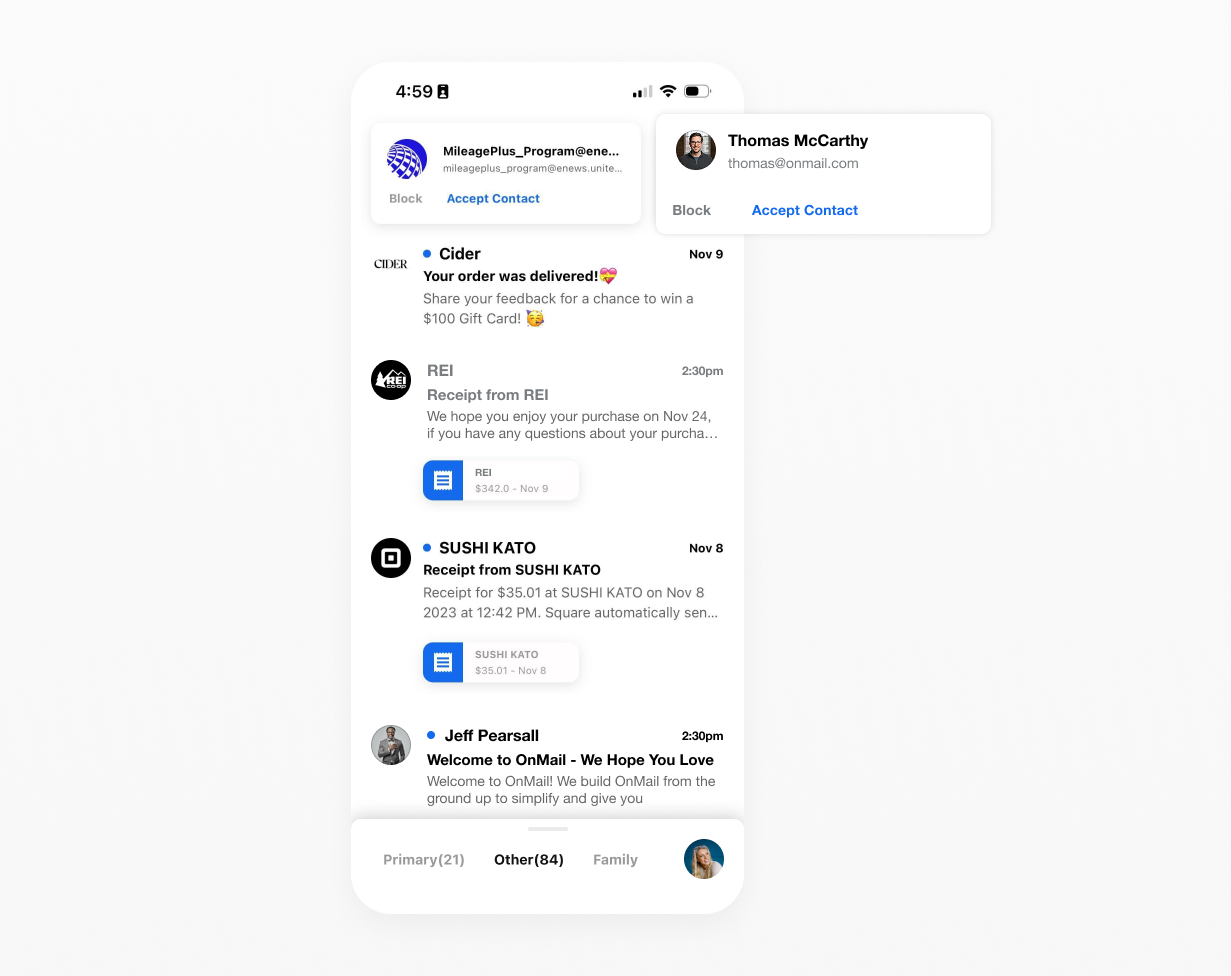
Accept Senders
The first (and only at the time) email app that allowed users to block a sender before they showed up in your inbox.
Just because someone found your email, doesn’t mean they have a right to fill your inbox with junk, since the release of the OnMail ‘Accept Sender’ feature, several other email clients have followed suit.
Mark as Done
Email users are overwhelmed with messages. The idea of inbox zero is a distant memory for real people. OnMail introduced a new way to mange emails in your inbox. Simply click the avatar to mark the email as done and remove it from your view. You can always find it later if you need it, no worries.
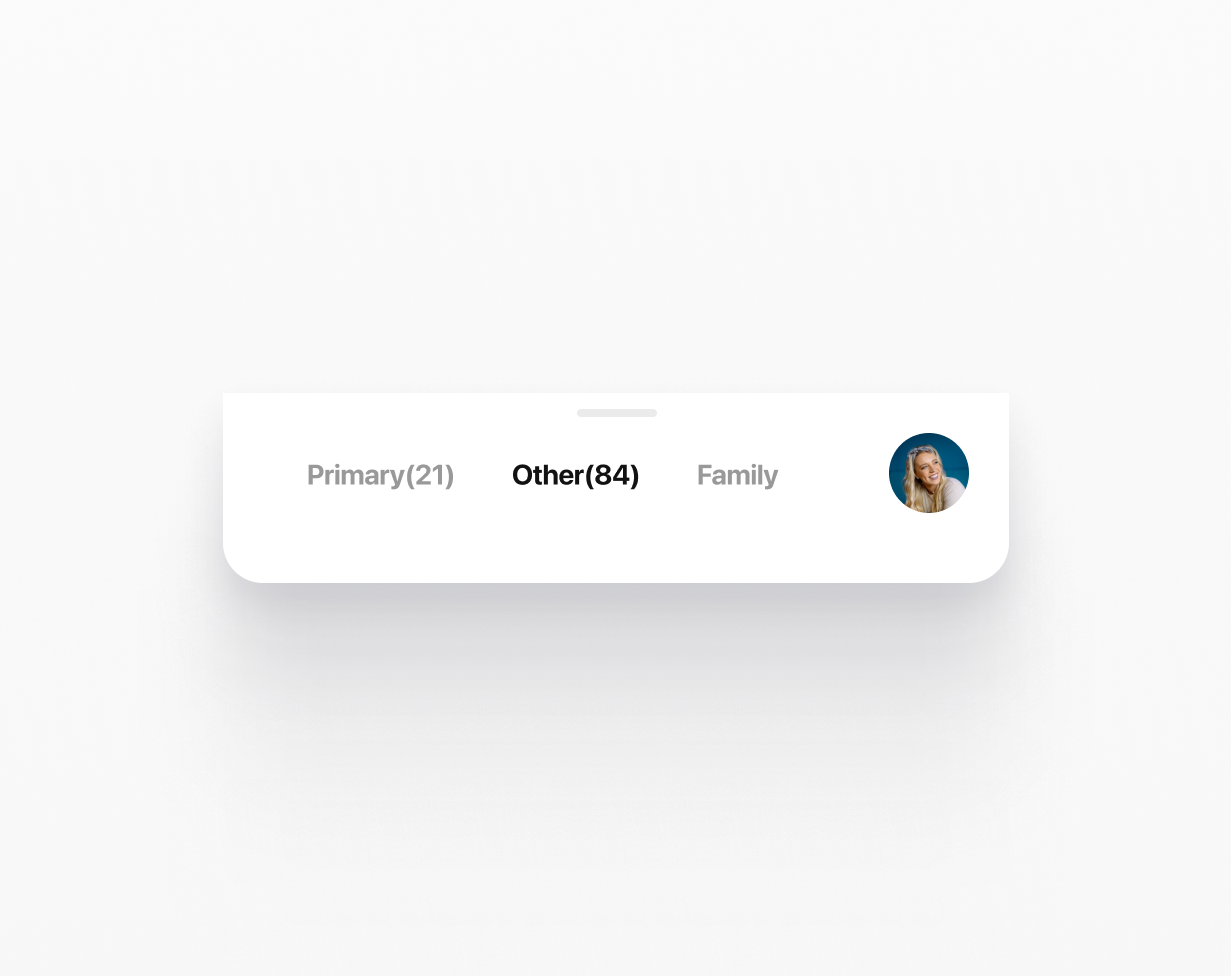
The Bottom Nav + Split Inboxes
One of the first non-system apps to move the primary navigation to the bottom of the screen. This gave users easier access to their email with one hand. Messages are sorted into smart “split” inboxes to keep people you know in your Primary inbox, and sort everyone else accordingly.
Swipe to switch splits, slide up to access search, and your folders, or tap your avatar to switch accounts.
⚑ The OnMail Email Service was shut down in the Fall of 2025 ⚑
Providing users with an affordable alternative to large competitors like Google and Microsoft made finding a product fit in the market difficult.
